The right few apps make a road trip smoother; the wrong dozen just clutter your phone, fragment your attention, and drain the battery you need for navigation. The useful question isn’t which road trip app is best. It’s which small set covers the real jobs of a trip without overlapping. Most of the essential ones are free, and the handful with paid tiers are only worth it in specific situations.
Here’s the short, honest list, organized by the job each one does rather than as a ranking. Prices and features shift over time, so treat the specifics as a snapshot; the categories are what matter. Where a paid tier exists, we’ve said whether it’s worth paying for.
Navigation: start with what you already have
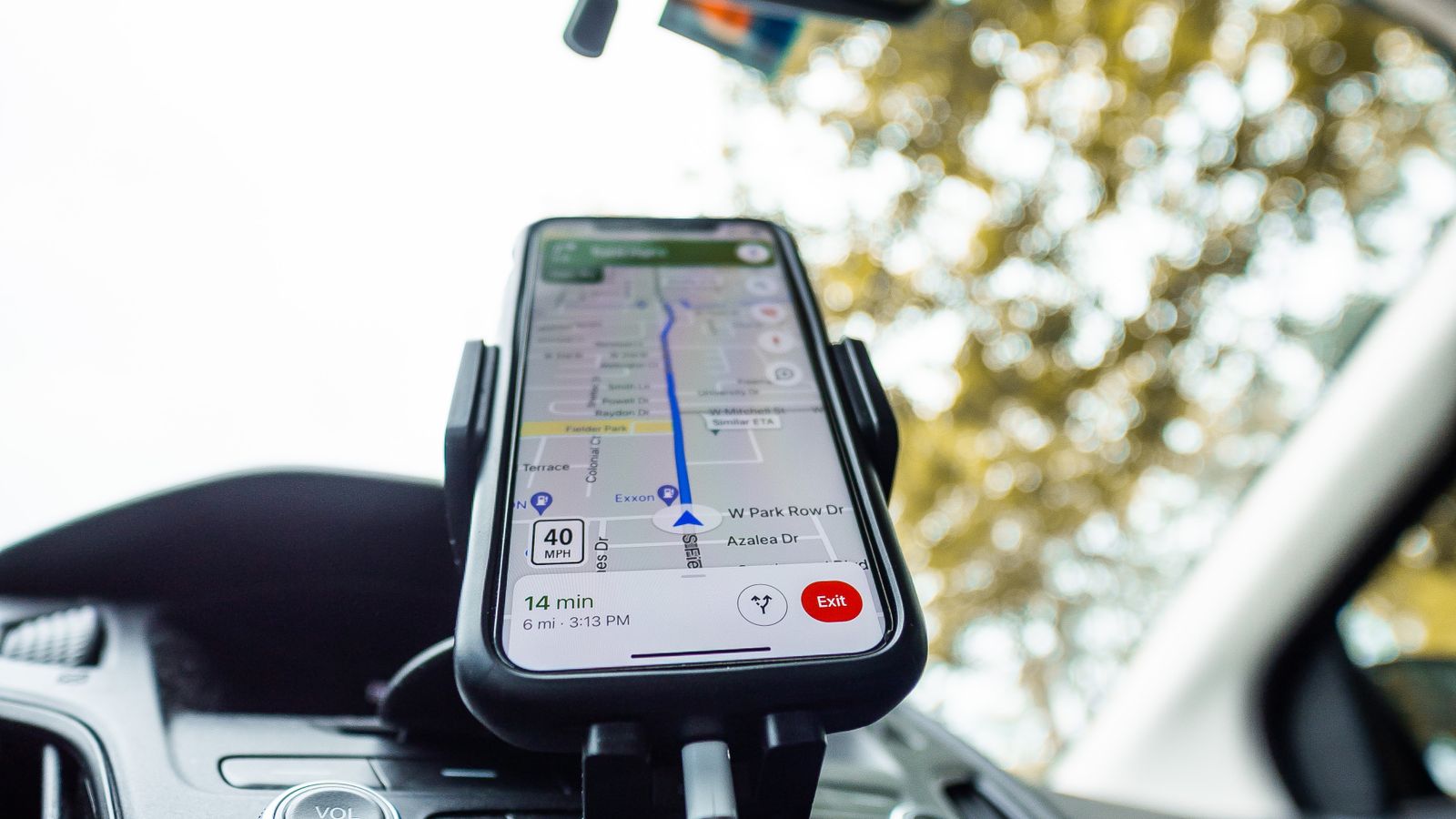
For the core job of getting from A to B, Google Maps is free, on every phone, and enough for the vast majority of trips: multi-stop routes, real drive times, and offline maps for the areas without signal. It’s the tool we walk through in detail in our guide to mapping a route in Google Maps. Alongside it, Waze (also free) earns its place for its community-driven alerts, with other drivers flagging accidents, hazards, closures, and slowdowns ahead of you in real time. On a long highway day, those warnings add up.
Fuel: track the price, not just the gauge
Fuel is a road trip’s signature cost, and GasBuddy is the free app built around it. It crowdsources prices from users at well over a hundred thousand stations across North America, so you can find the cheapest fill-up nearby instead of guessing, and its trip cost calculator estimates total fuel spend before you leave. Useful when you’re building a road trip budget. There’s an optional fuel-savings card, but the core price data is free and the main reason to install it.
Trip planning: for the complex routes
Roadtrippers is the app for discovering attractions, quirky stops, and points of interest along a route rather than just the fastest line between two cities. Its free tier limits a trip to a handful of stops (around seven, counting your start and end), which is fine for a simple trip. Lifting that cap, plus offline route access, requires a paid annual tier (roughly $36 a year at the time of writing). It’s genuinely useful for a complex, multi-stop cross-country trip, and overkill for a weekend; pay for it only if your route is ambitious enough to hit the free limit.
Camping and overnight: where to sleep
If your trip involves camping, two apps stand out, both free at their core. The Dyrt offers campground reviews and, usefully, cell-signal data at sites, with an optional Pro tier that adds maps of free campsites on public land and offline access. For anyone heading properly off-grid, iOverlander is a free, crowdsourced map built by overlanders and van-lifers that works offline and lists not just campsites but practical resources (potable water, propane refills, mechanics) in remote areas where other apps go blank.
Hiking and the outdoors
If your route includes any hiking, AllTrails is the standard: searchable trail maps, reviews, photos, and difficulty ratings for trails almost anywhere. The base app is free; downloading maps for offline use, worth having when a trailhead is well past the last cell tower, sits behind its paid tier. For a trip built around national parks and hikes, it’s one of the few paid upgrades that reliably earns its cost.
Download everything for offline
If one habit ties these apps together, it’s downloading for offline use before you leave. Nearly every one of them (maps, trails, campground data, fuel prices) is far more valuable saved to the device than left depending on a live signal, because the places you most need them are exactly where coverage vanishes: national parks, mountain passes, long rural stretches. An app that spins waiting to load is worse than useless at the moment you’re relying on it. Make offline downloads part of your pre-departure routine, the same way you’d charge a power bank or fill the tank, and the whole toolkit keeps working when the bars disappear. It’s some of the cheapest insurance you’ll pack.
What you can skip
Plenty of apps aren’t worth the space. Be wary of dedicated “road trip planner” apps that mostly duplicate what Google Maps already does for free, and of any tool that paywalls a feature the free options cover perfectly well. The pile of single-purpose apps you install with enthusiasm and open exactly once is the real clutter. For most trips, Google Maps plus one or two of the above (GasBuddy, maybe a camping app) is the entire toolkit you need, which keeps your phone and your attention where they belong: on the trip itself.